 Development
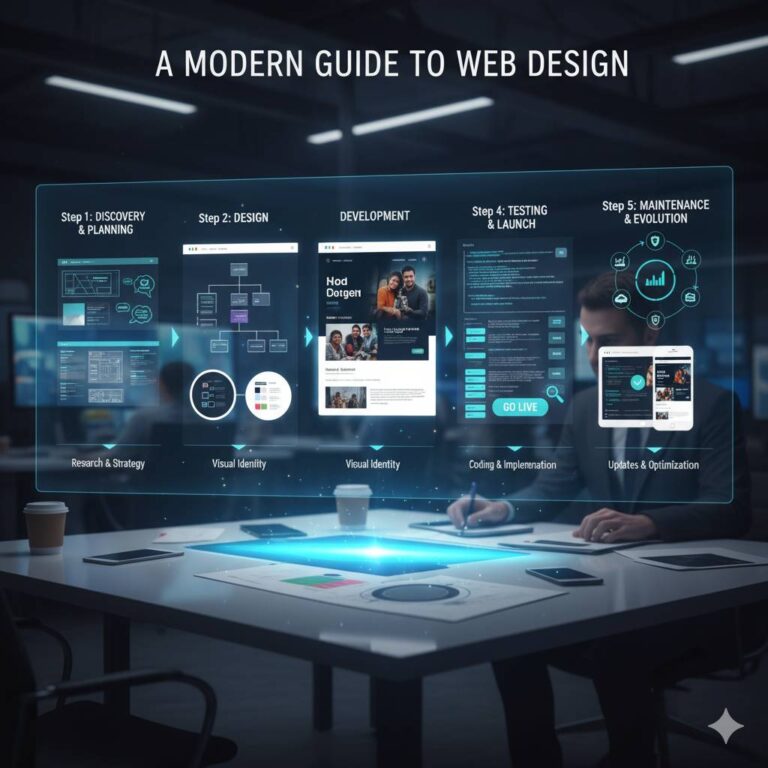
A Modern Guide to Web Design
A good website is more than just a nice-looking brochure. It’s often the first thing a customer sees about your brand, a great way to...
Read More
When browsing websites or using mobile apps, you’ve likely encountered the terms UI and UX. These buzzwords appear everywhere in the digital world, yet many...

When browsing websites or using mobile apps, you’ve likely encountered the terms UI and UX. These buzzwords appear everywhere in the digital world, yet many people struggle to understand what they actually mean. If you’re based in Auckland and considering a website design project, knowing the difference between UI and UX design can help you make better decisions for your business.
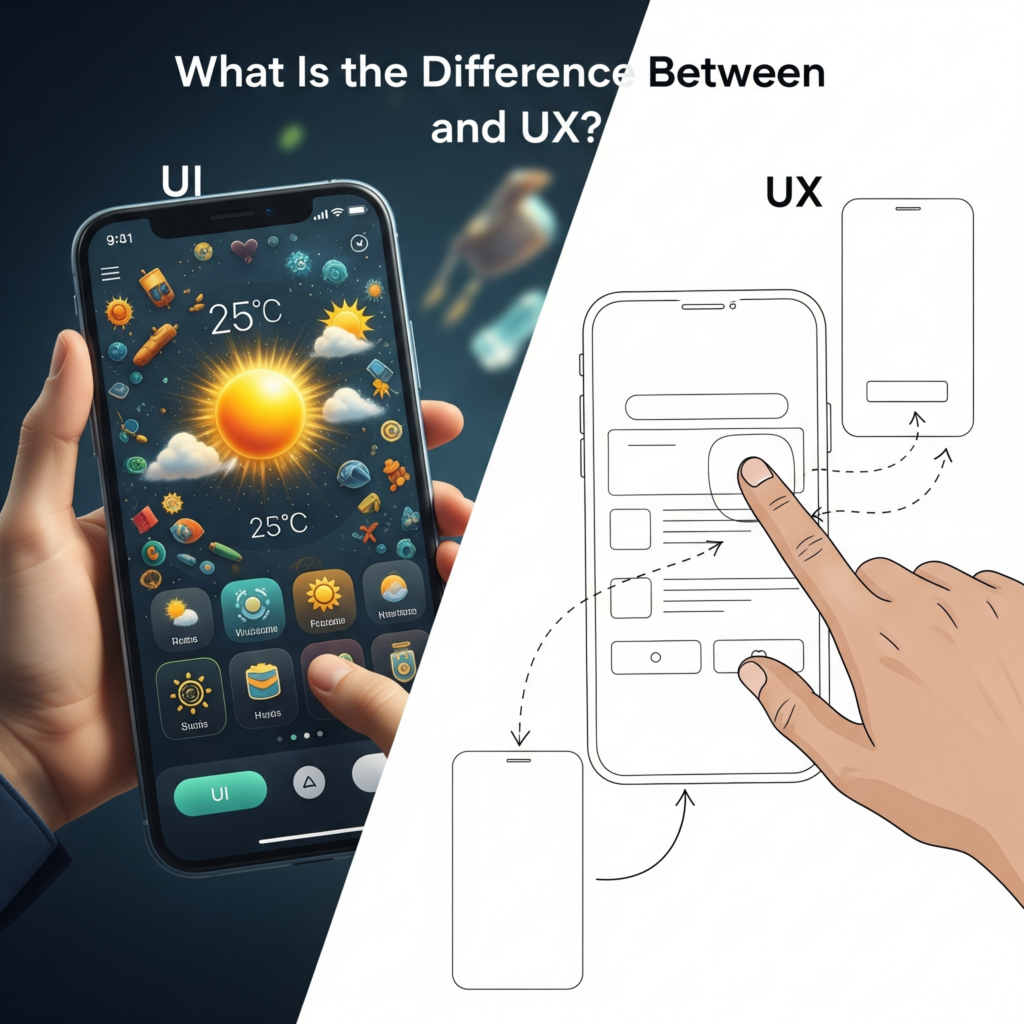
UI stands for User Interface, while UX stands for User Experience. It is important to note that these terms represent distinct aspects of digital design, regardless of the fact that they are often used interchangeably. When a user engages with your product or service, UX encompasses their entire journey. UI focuses on the visual elements while UX encompasses the user experience.
This comprehensive guide will break down the key differences between UI and UX, provide real-world examples, and explain why both are crucial for successful website design. Whether you’re a business owner, aspiring designer, or simply curious about digital design, you’ll gain a clear understanding of these essential concepts.

User Interface (UI) design refers to the visual elements that users interact with on websites, mobile apps, and other digital platforms. The user interface (UI) serves as the link between humans and computers. It’s what makes digital interactions possible and intuitive.
UI designers focus on several critical elements:
Visual Design Elements: Colors, typography, icons, buttons, and images that create the overall aesthetic of your digital platform.
Layout and Structure: How information is organized and presented on each screen or page.
Interactive Elements: Buttons, forms, navigation menus, and other components users click, tap, or engage with.
Responsiveness: Ensuring the interface works seamlessly across different devices and screen sizes.
Consider Netflix’s interface. The streaming platform uses a dark background with bright thumbnails, clear navigation menus, and intuitive search functionality. Every button, color choice, and layout decision represents UI design work.
Another excellent example is Apple’s iOS interface. The clean icons, consistent color scheme, and smooth animations all fall under UI design. These visual elements make the phone easy to navigate and visually appealing.

User Experience (UX) design encompasses everything about how users interact with your product or service. While UI focuses on the visual interface, UX considers the entire user journey, from initial discovery to final conversion.
User Research: Understanding your target audience’s needs, behaviors, and pain points through surveys, interviews, and analytics.
Information Architecture: Organizing content and features in a logical, easy-to-navigate structure.
User Flow: Mapping the path users take to complete specific tasks or goals on your website.
Usability Testing: Continuously testing and refining the user experience based on real user feedback.
Accessibility: Ensuring your digital platform works for users with different abilities and needs.
Amazon’s checkout process demonstrates excellent UX design. The e-commerce giant has streamlined the purchasing journey, offering one-click buying, guest checkout options, and clear progress indicators. While the visual design (UI) plays a role, the overall experience focuses on removing friction from the buying process.
Another UX example is Google’s search engine. The simple homepage design prioritizes the search function, and results pages provide relevant information quickly. The entire experience is designed around helping users find information efficiently.
The main difference between UI and UX design lies in their scope and focus areas. UI design concentrates on the visual and interactive elements, while UX design considers the broader user experience and business objectives.
The scope: UI design encompasses individual screens and elements of visual design, while that of UX design addresses the entire user journey across multiple touchpoints.
Skills Required: UI designers typically need strong visual design skills, knowledge of design software, and understanding of current design trends. UX designers require research skills, analytical thinking, and the ability to understand user psychology.
Deliverables: UI designers create mockups, prototypes, and style guides. UX designers produce user research reports, wireframes, user journey maps, and testing results.
Timeline: UI design often happens later in the development process, after UX research and planning are complete.
When discussing the difference between UI and UX developers, it’s important to note that these roles often overlap with front-end development and product design.
UI Developers: The main responsibility of UI developers is to implement the visual design using HTML, CSS, and JavaScript. They ensure the interface looks and functions as intended across different browsers and devices.
UX Developers work more closely with user research and testing. They might create prototypes, conduct usability tests, and collaborate with both designers and developers to improve the overall user experience.
Many professionals combine both skills, calling themselves UI/UX designers or developers. This hybrid approach is particularly common in smaller companies and startups.
Testing plays a crucial role in both UI and UX design, but the methods and objectives differ significantly.
Visual Testing: Ensuring designs render correctly across different devices and browsers.
Functionality Testing: It is important to conduct functional testing to ensure that buttons, forms, and interactive elements function as intended.
Consistency Testing: Checking that design elements follow established style guides and brand standards.
Usability Testing: Observing real users as they complete tasks on your website or app.
A/B Testing: Comparing different versions of pages or features to see which performs better.
User Journey Testing: Evaluating the complete experience from initial awareness to final conversion.
Figma is primarily a user interface design tool, however it also supports many aspects of user experience design. This cloud-based design platform allows designers to create visual mockups, prototypes, and style guides. However, UX designers also use Figma for wireframing and creating interactive prototypes for user testing.
Other popular tools include:
Understanding how UI/UX design relates to other design and website development roles can help clarify career paths and project requirements.
Graphic designers typically focus on print and digital marketing materials, while UI/UX designers specialize in interactive digital experiences. Graphic designers might create logos, brochures, and advertisements, while UI/UX designers build websites and mobile apps.
A front-end developer implements designs using code, while a user experience (UI/UX) designer creates the designs themselves. The skills of design and development are sometimes combined, however, in order to bridge the gap between them.
Web designers often combine visual design skills with basic front-end development knowledge. UI/UX designers typically have deeper expertise in user research and experience optimization.
Product designers take a broader view, considering business objectives, market research, and product strategy alongside user experience. The UI/UX designer usually focuses on the design and usability.

Successful digital products require both excellent UI and UX design. Poor UI design can make even the best user experience feel unprofessional, while poor UX design can frustrate users regardless of how beautiful the interface looks.
For Auckland businesses, investing in both UI and UX design can lead to:
Understanding the difference between UI and UX design helps you make informed decisions about your digital presence. UI is about the visual interface users see and interact with, but UX covers everything from beginning to end.
Both elements are essential for creating successful websites and digital products. By investing in quality UI and UX design, Auckland businesses can create more engaging, effective, and profitable digital experiences.
If you’re ready to improve your website’s UI and UX design, consider partnering with experienced professionals who understand both the technical and creative aspects of digital design. At i2d, we specialize in comprehensive web design services that combine beautiful UI design with exceptional user experiences. Get in touch with us today, Our Auckland-based team understands local market needs and can help transform your digital presence to better serve your customers and grow your business.
DevelopmentA good website is more than just a nice-looking brochure. It’s often the first thing a customer sees about your brand, a great way to...
Read More Development
Most Auckland businesses pour thousands of dollars into Google Ads and SEO content — then watch their rankings plateau. The culprit? A slow website that...
Read More Development
A business website is no longer something you build once and leave untouched. For New Zealand businesses, your website can be one of your most...
Read More